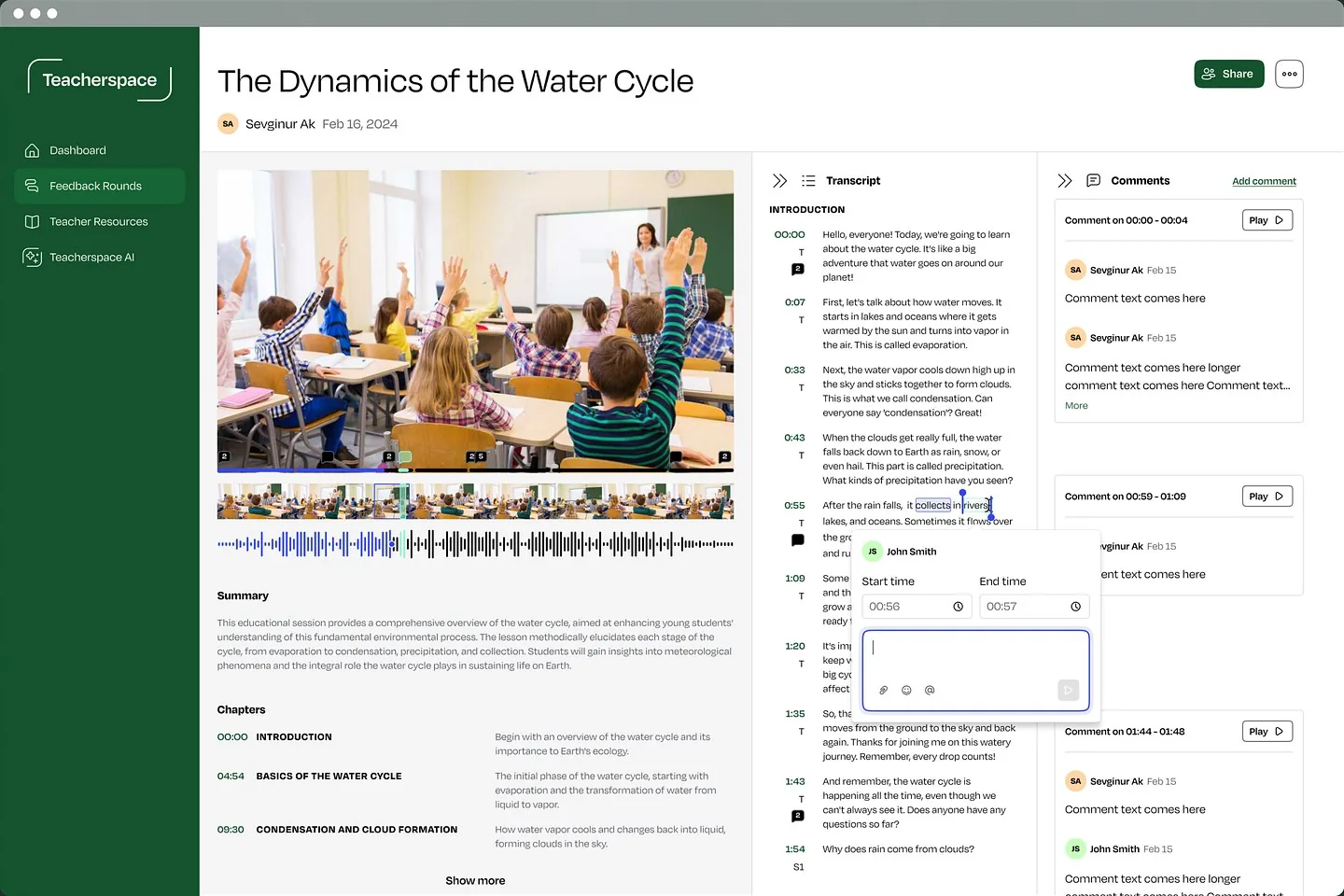
# Teacherspace / Loading
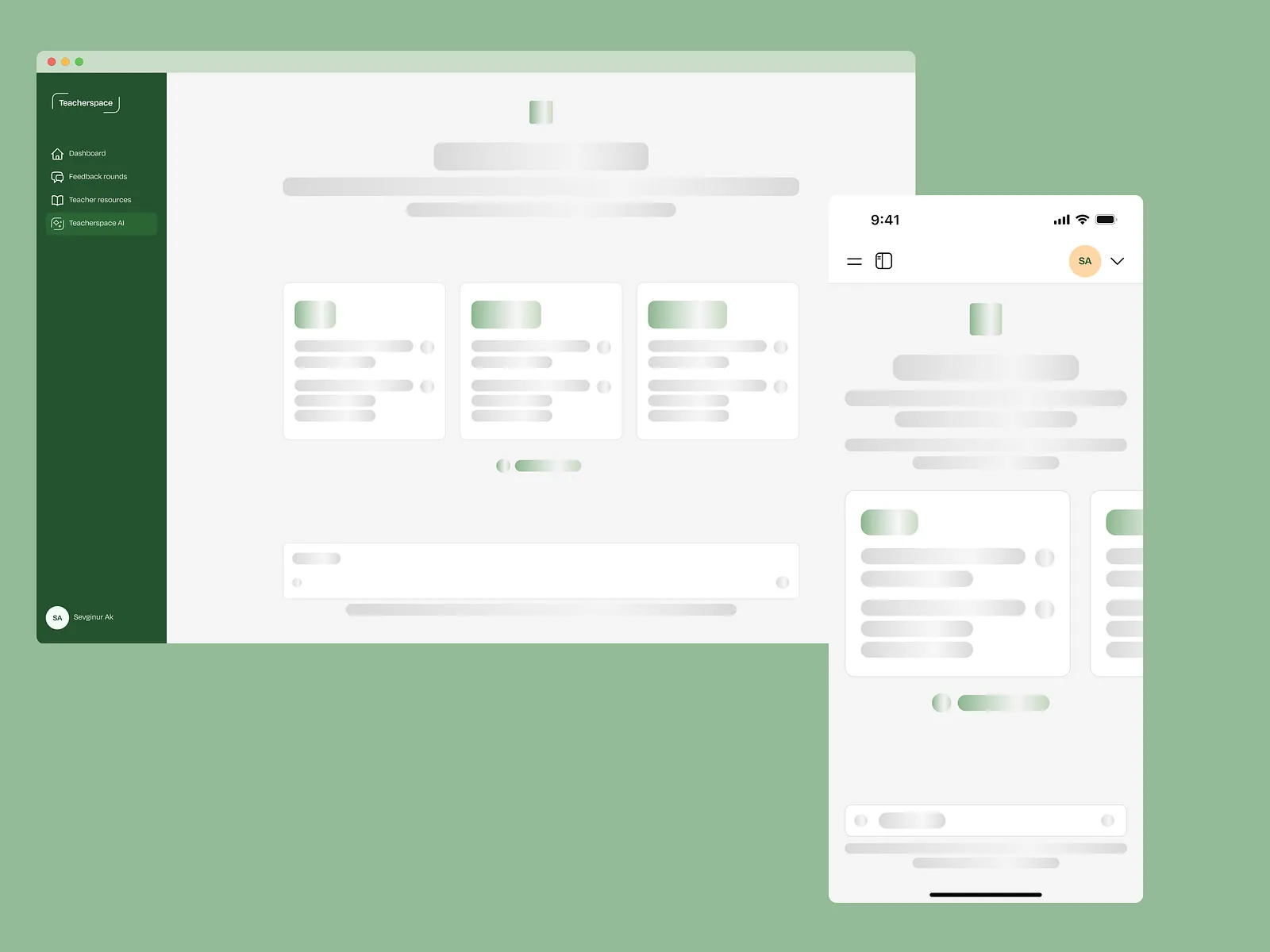
ScreensLoading
Waiting that doesn’t feel like waiting
Skeleton screens that show the shape of the answer while the AI is still working.
View on DribbbleThe work
Every screen has more than one version. We design all of them, not just the ideal one.
The problem
If 2 or more of these ring true, the gaps are in the states, not the main screens.
Tick the ones that sound like you
Selected work
Screens on Dribbble and Behance
# Teacherspace / Loading
ScreensLoading
Skeleton screens that show the shape of the answer while the AI is still working.
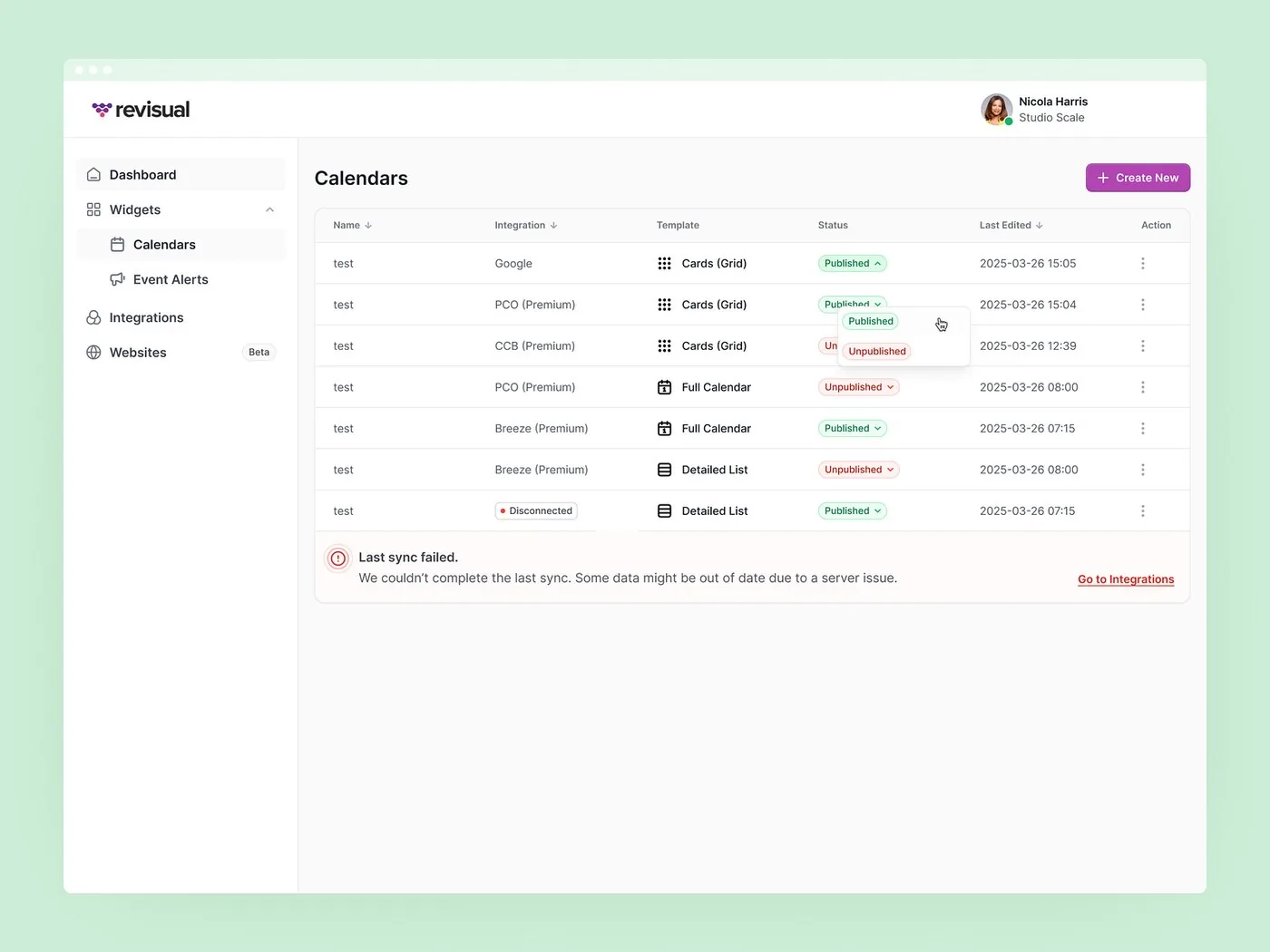
View on Dribbble# Revisual / Sync error
ScreensError
A calendars table that flags the failed sync, explains why and links to the fix.
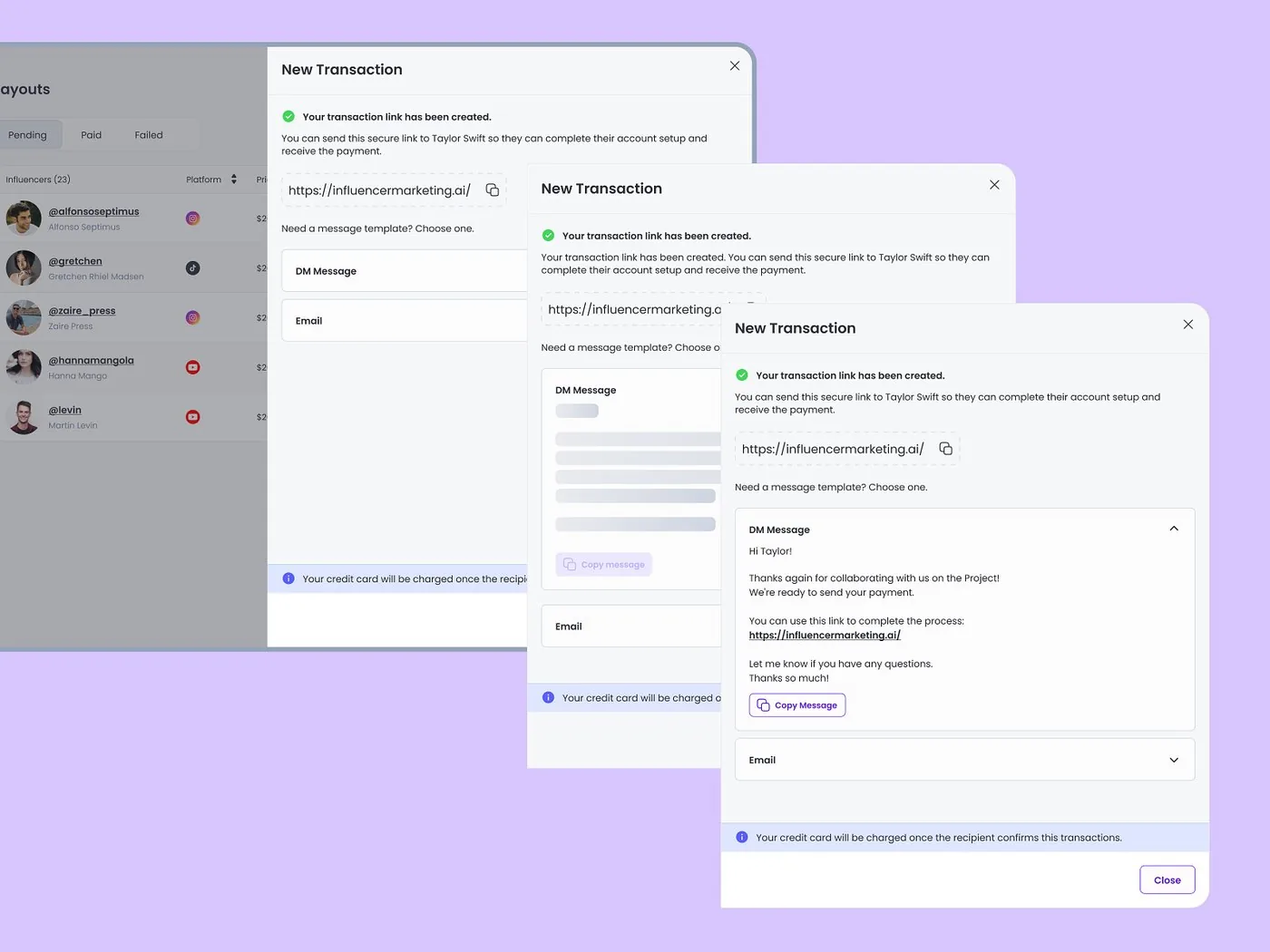
View on Dribbble# Influencer Marketing AI / Transactions
ScreensSuccess
Each step confirms the transaction link was created, with the next action right there.
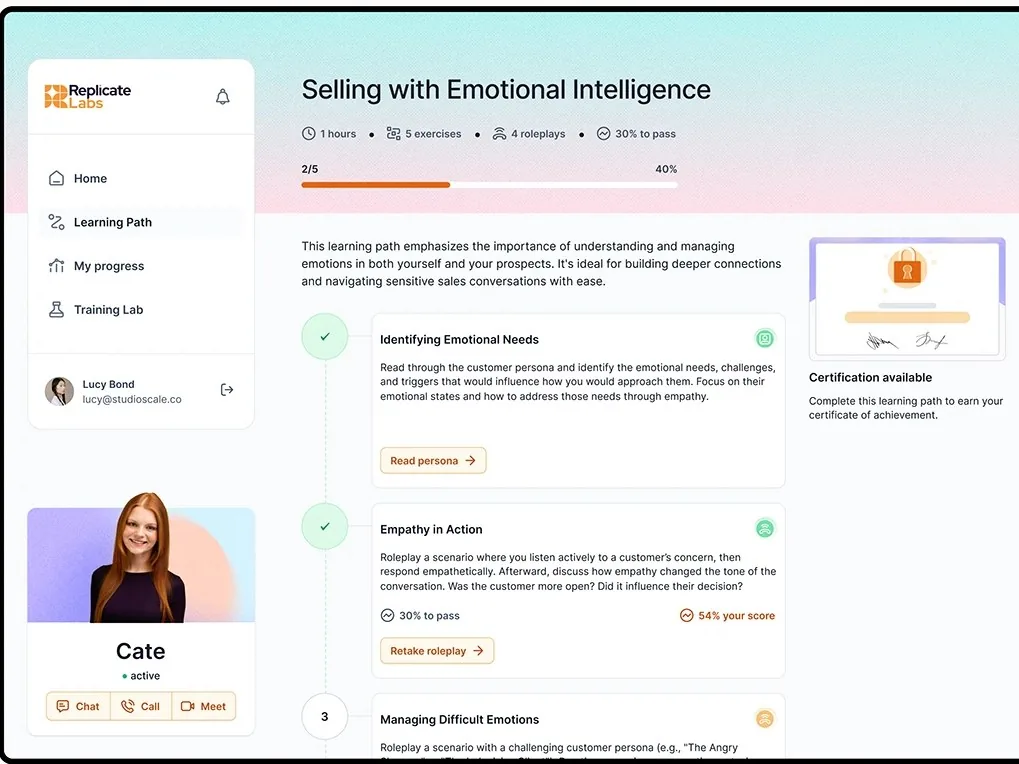
View on Dribbble# Replicate Labs / Learning path
ScreensProgress
A learning path where every step shows its state: completed, scored with a retake option, or still to come, with a clear pass threshold for each.
View on BehanceProof
“I’ve had the pleasure of working with Sevgi and her team across multiple projects, and in every case, they’ve been both highly creative and professional.”
Ways to start
Design the states for new features, or audit the product you already have.
# New features
Map every state for your key flows before developers start building.
# Live product
Find the screens that break when things aren’t perfect, then fix them.
Anything that isn’t the ideal screen: empty, loading, error, success, offline, locked, partial and first-use views.
It depends on the scope. Once we’ve seen the full picture, we’ll share a rough timeline.
Yes. We work from your Figma files or the live product and fill in what’s missing.
Yes. Error and empty-state copy is part of the work, so every state says what happened and what to do next.
No. We’re a design studio. You get designs and handoff files your developers build from, and we stay on hand during the build.
2 client slots open
A rough idea is a fine place to start. We’ll get back to you within 24 hours.