
 Replicate Labs
01 / 02
Replicate Labs
01 / 02
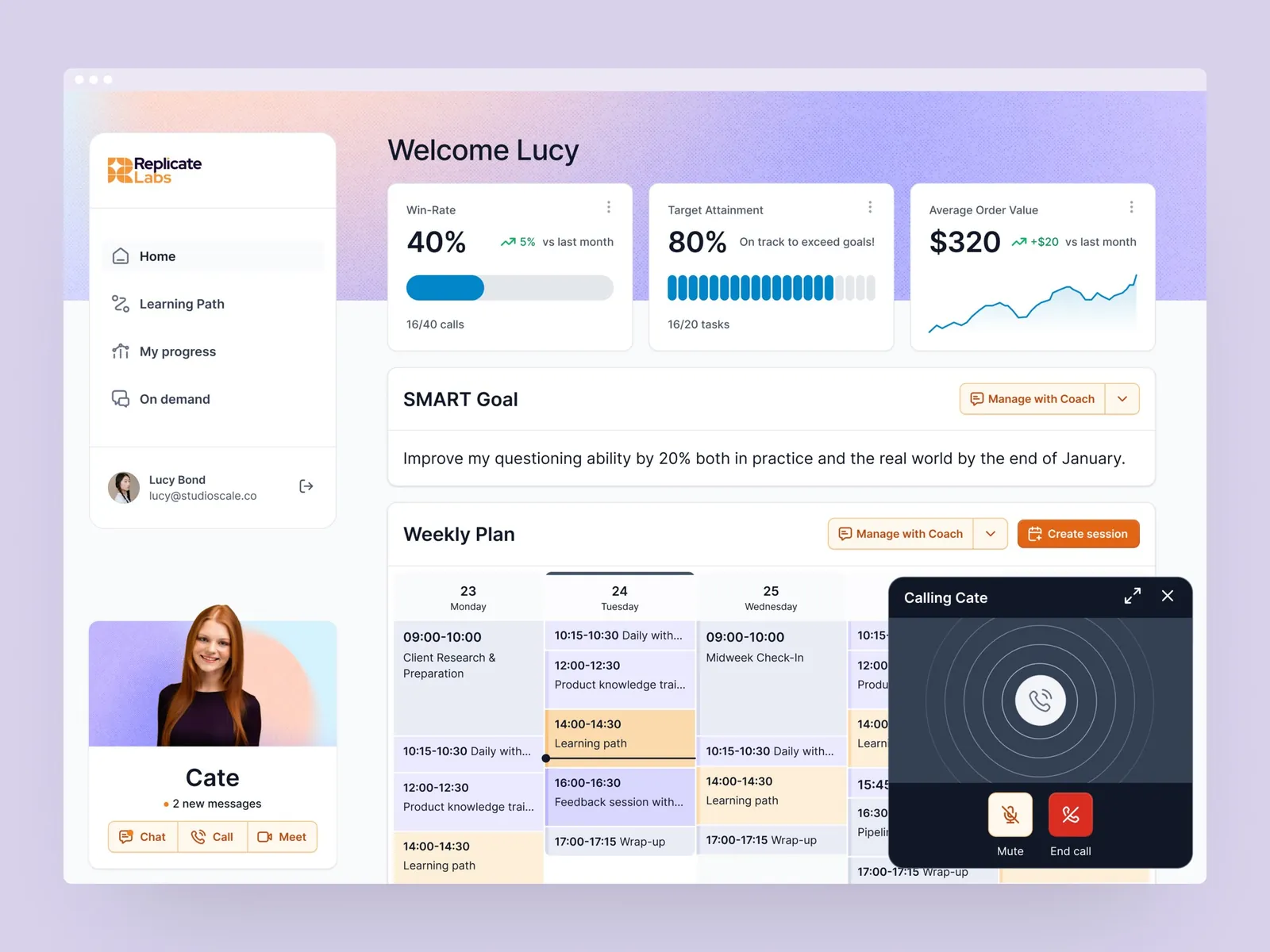
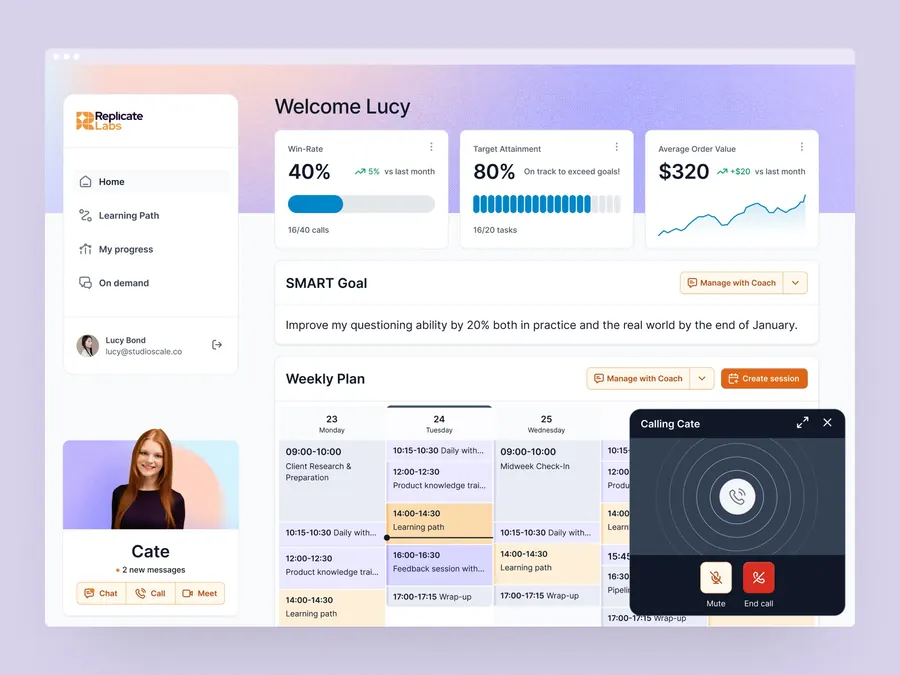
Redesign of the platform - UX/UI
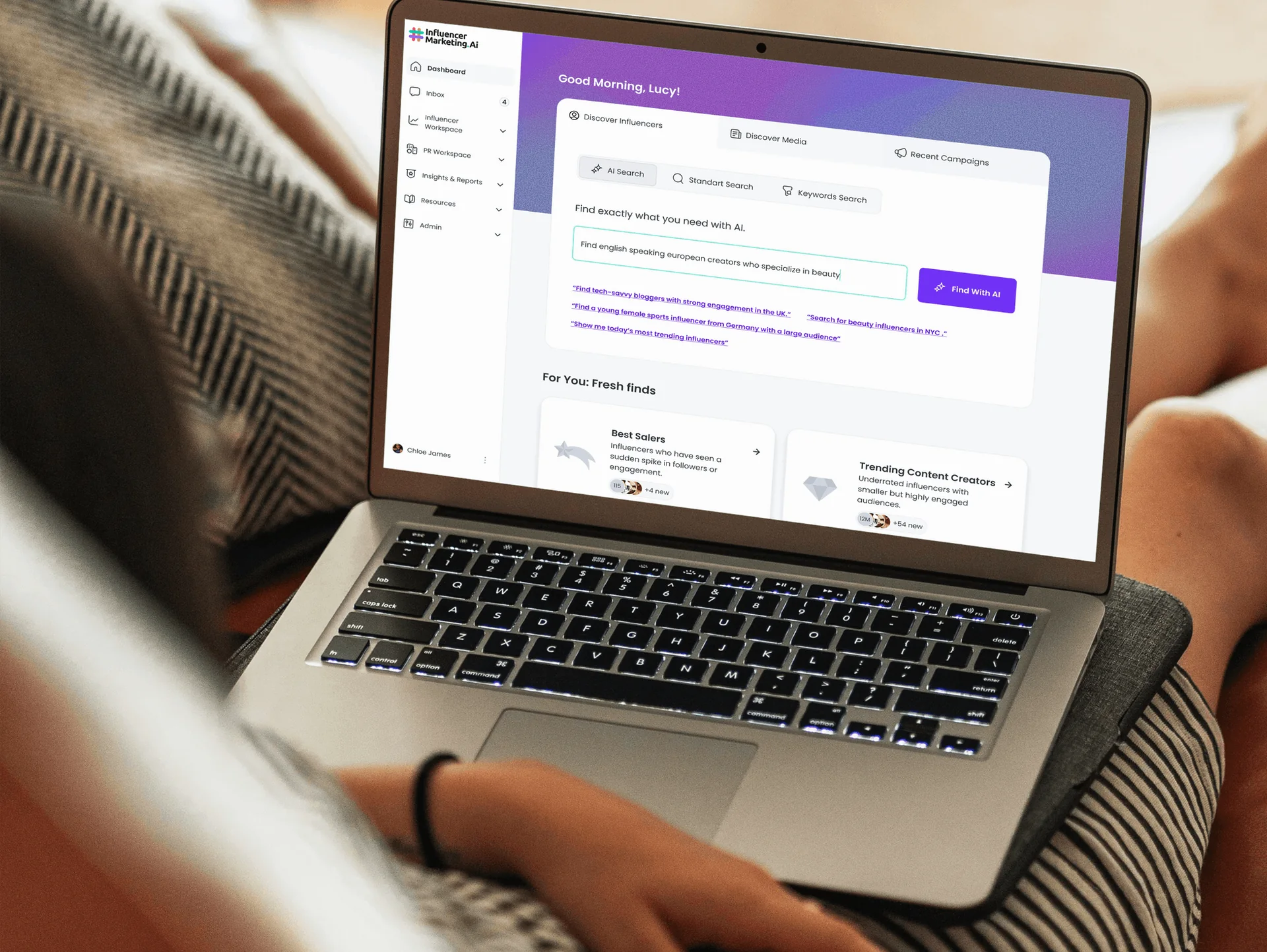
A New UX for a Smarter, Human-Like AI Coach
Make powerful AI feel understandable and useful.
We design AI experiences that help users know what to ask, understand what the system is doing, judge its output and stay in control when the answer is uncertain.
Selected clients






Where it gets hard
Users may not know what to ask, what the system knows, whether an answer is reliable or how to correct it. The product experience needs to turn technical capability into clear expectations, useful interaction and justified confidence.
Explain what the product can do, what information it needs and how users can reach a useful first outcome.
Replace intimidating blank boxes with examples, structure, progressive guidance and inputs suited to the task.
Organise generated results so users can understand, compare, edit, reuse and act on them.
Show relevant sources, limitations, status and reasoning cues without overwhelming users with technical detail.
Give users clear ways to review, revise, reject, regenerate, undo and recover instead of treating AI output as final.
Reduce the time and uncertainty between entering the product and experiencing its core value.
Key moments
What clients say
Over the past six months, we have worked with five different UIUX designers, but none of them came close to the level of expertise and professionalism that Sevgi has demonstrated. In a field where deadlines are critical and the pace of work can be demanding, she has consistently delivered high-quality work on time. Her ability to manage time effectively and prioritize tasks has been instrumental in keeping our projects on track.
 William WuCEO and Founder, Artisse
How we work with AI teams
Step 01
We clarify what the system should help users accomplish and where the model’s limitations affect that promise.
Step 02
We identify where users need more guidance, feedback, evidence or control across the journey.
Step 03
We create flows and interfaces for successful outputs as well as ambiguity, delay, failure and correction.
Step 04
We define the user behaviours that indicate the product is becoming understandable, trusted and useful.
Choose the right starting point
For products with traction
Onboarding, checkout, activation… We redesign the journeys where users drop off, and measure the difference.
For pre-launch founders
We turn your idea into a clear, usable product you can test, pitch to investors, or hand to engineers, typically in 3–6 weeks.
For teams shipping weekly
Spec to dev-ready designs with edge cases covered, so your engineers stop guessing and your roadmap stops slipping.
For teams without in-house design
A senior design partner embedded in your workflow; Slack, async video, weekly deliveries. Pause or cancel anytime.
Selected work
Replicate Labs
01 / 02
Redesign of the platform - UX/UI
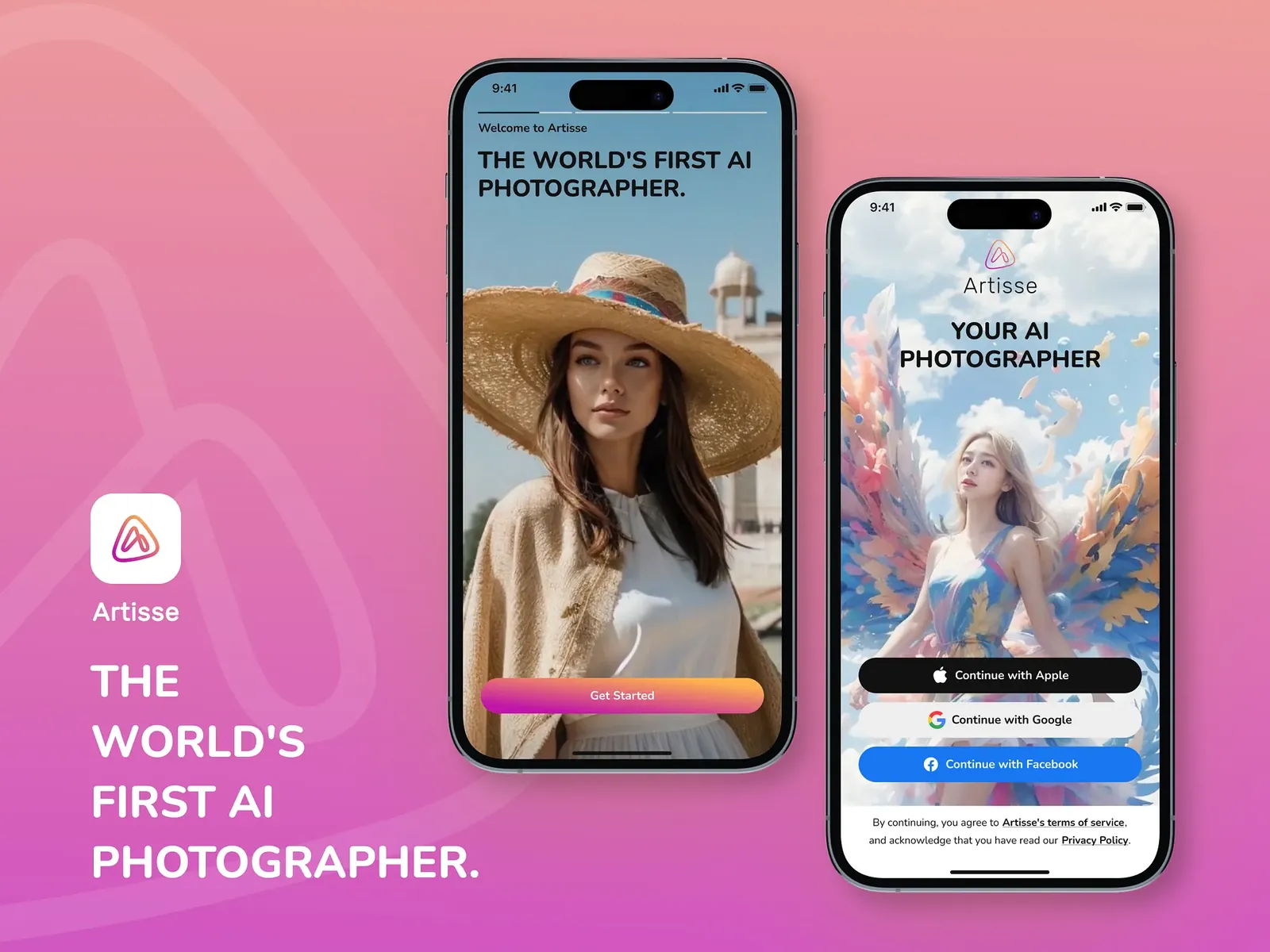
 Artisse
02 / 02
Artisse
02 / 02
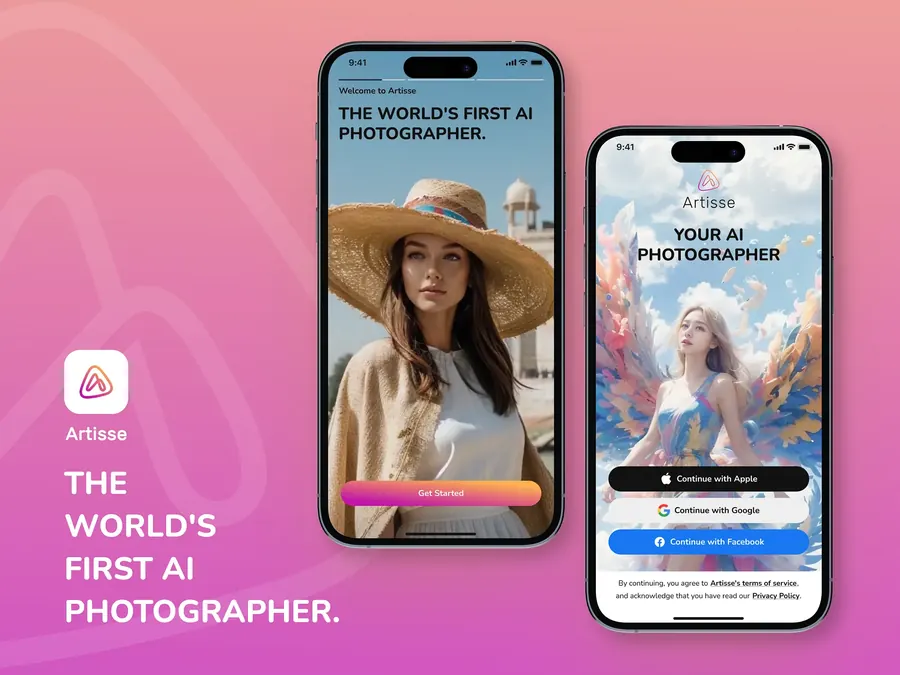
Redesign of the mobile app - UX/UI
New feature - UX/UI
New feature - UX/UI
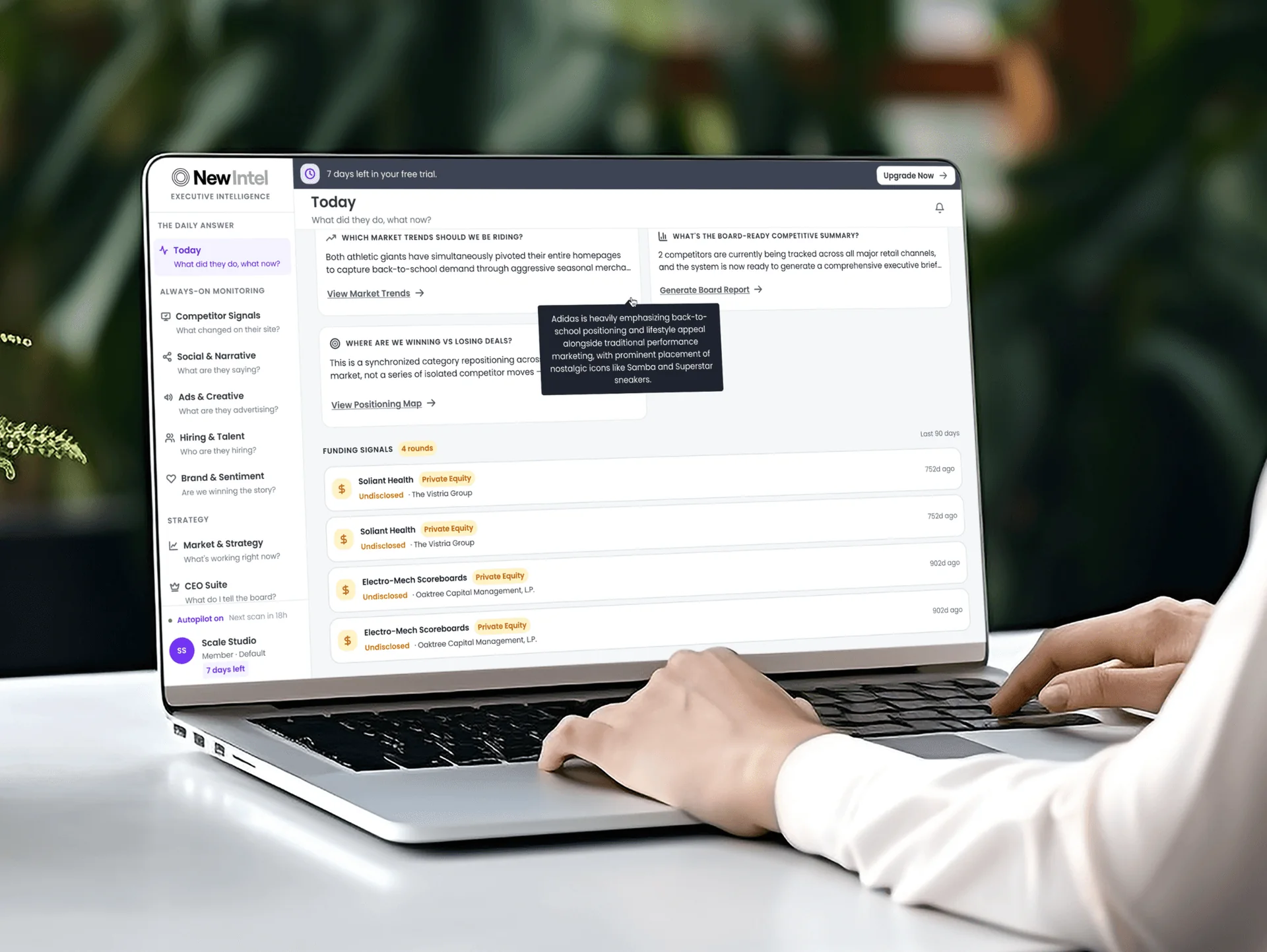
New feature - UX/UI
We need enough technical context to design honestly around capability, latency, failure and data constraints. We do not need access to proprietary model code.
No. We also work with SaaS products adding AI to one workflow or feature.
We can improve the product experience around prompts: examples, structure, context gathering, feedback and refinement. Model prompt engineering may require collaboration with your technical team.
We test the surrounding decisions and behaviours across a range of realistic outputs, including uncertainty, failure and correction not one ideal response.
2 client slots open
Show us where users hesitate, abandon or lose confidence. We will explain what we would investigate first and which engagement fits the problem.