Make progress easier to understand and learning easier to continue.
Education Product Design
We design digital learning experiences that help learners know what to do next, practise effectively and see how their effort is developing over time.
Selected clients




Where it gets hard
Completing content is not the same as learning.
Education products need to balance instruction, practice, feedback and motivation while supporting different levels of knowledge, confidence and accessibility.
- 01Learner and educator onboarding
- 02Goal setting and placement
- 03Course and lesson navigation
- 04Practice and repetition
- 05Assessments and feedback
- 06Progress and mastery views
- 07Reminders, streaks and motivation
- 08Accessibility and different learning needs
- 09Educator dashboards
- 10Content-authoring tools
- 11Cohorts, classrooms and discussion
- 12Subscriptions and course purchase
What clients say
Sevgi and her team have been our go-to partner for design and UX. She asks strong questions, communicates fast, works smoothly in Slack and Linear, and delivers high-quality Figma designs that fit our design system. When we bring her a new feature idea, she quickly turns it into thoughtful design options with relevant user states, journeys, and clear assumptions. She and her team also helped us review a large new feature, running a thorough UX audit and creating detailed Linear tasks to guide implementation.
 Jesper BergmannFounder & CEO, Teacherspace
How we approach learning UX
A focused process, from evidence to launch.
-
Step 01
Design around the learning objective
We connect each interaction to what the learner should understand, practise or be able to do.
-
Step 02
Make feedback useful
Feedback should explain what happened and how to improve not only mark an answer right or wrong.
-
Step 03
Support return and recovery
We help learners resume after a break, revisit difficult material and understand the most useful next step.
-
Step 04
Consider educators too
Planning, authoring, assessment and learner support require clear tools behind the learner-facing experience.
Choose the right starting point
Relevant solutions
-
01
For products with traction
Fix the flows that leak revenue
Onboarding, checkout, activation… We redesign the journeys where users drop off, and measure the difference.
-
02
For pre-launch founders
MVP design, 0 → 1
We turn your idea into a clear, usable product you can test, pitch to investors, or hand to engineers, typically in 3–6 weeks.
-
03
For teams shipping weekly
New features, designed to ship
Spec to dev-ready designs with edge cases covered, so your engineers stop guessing and your roadmap stops slipping.
-
04
For teams without in-house design
Your design team, weekly
A senior design partner embedded in your workflow; Slack, async video, weekly deliveries. Pause or cancel anytime.
Selected work
Some examples
-
New feature - UX/UI
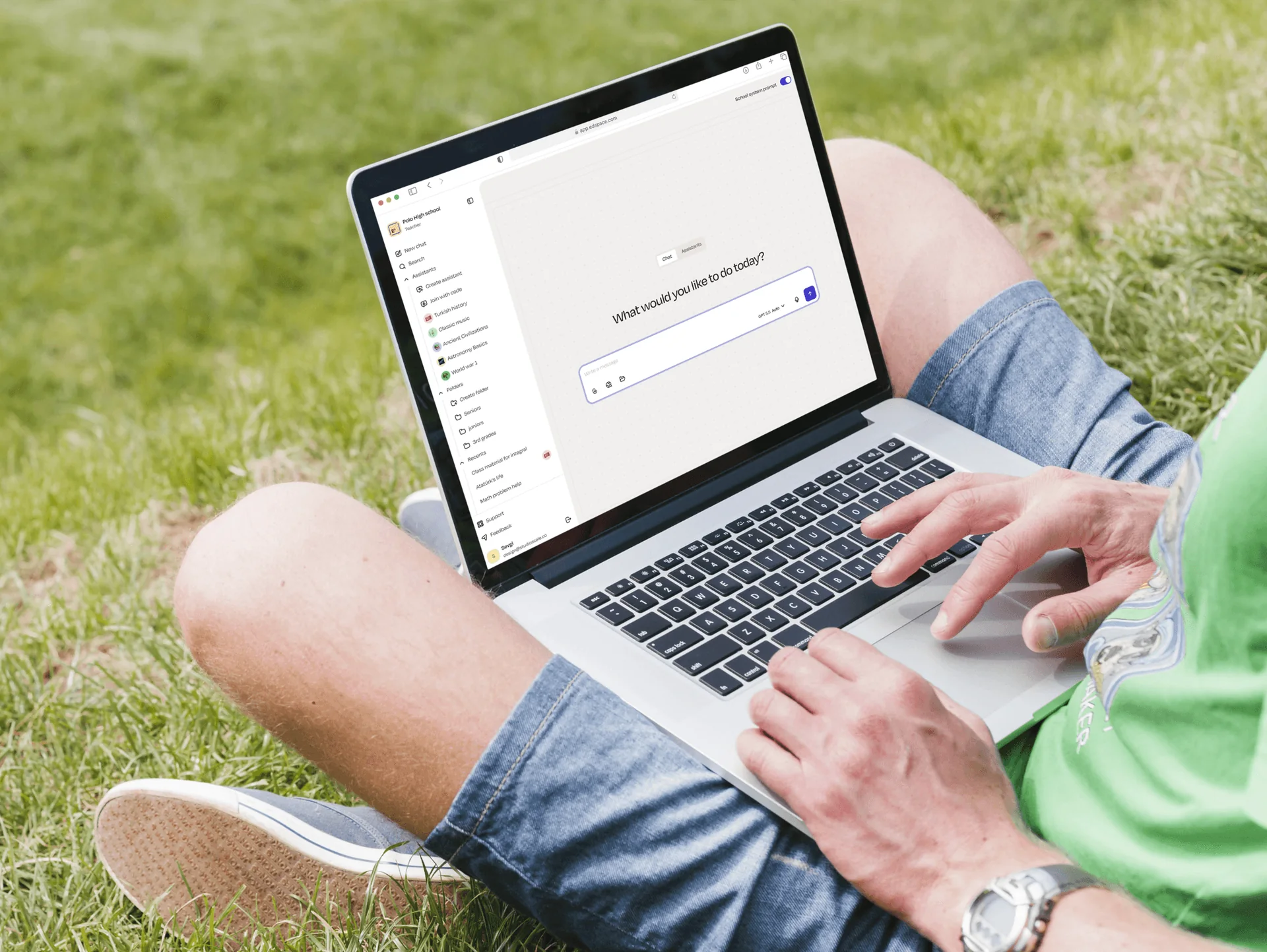
Designing a Safer AI Learning Platform
-
New platform - UX/UI
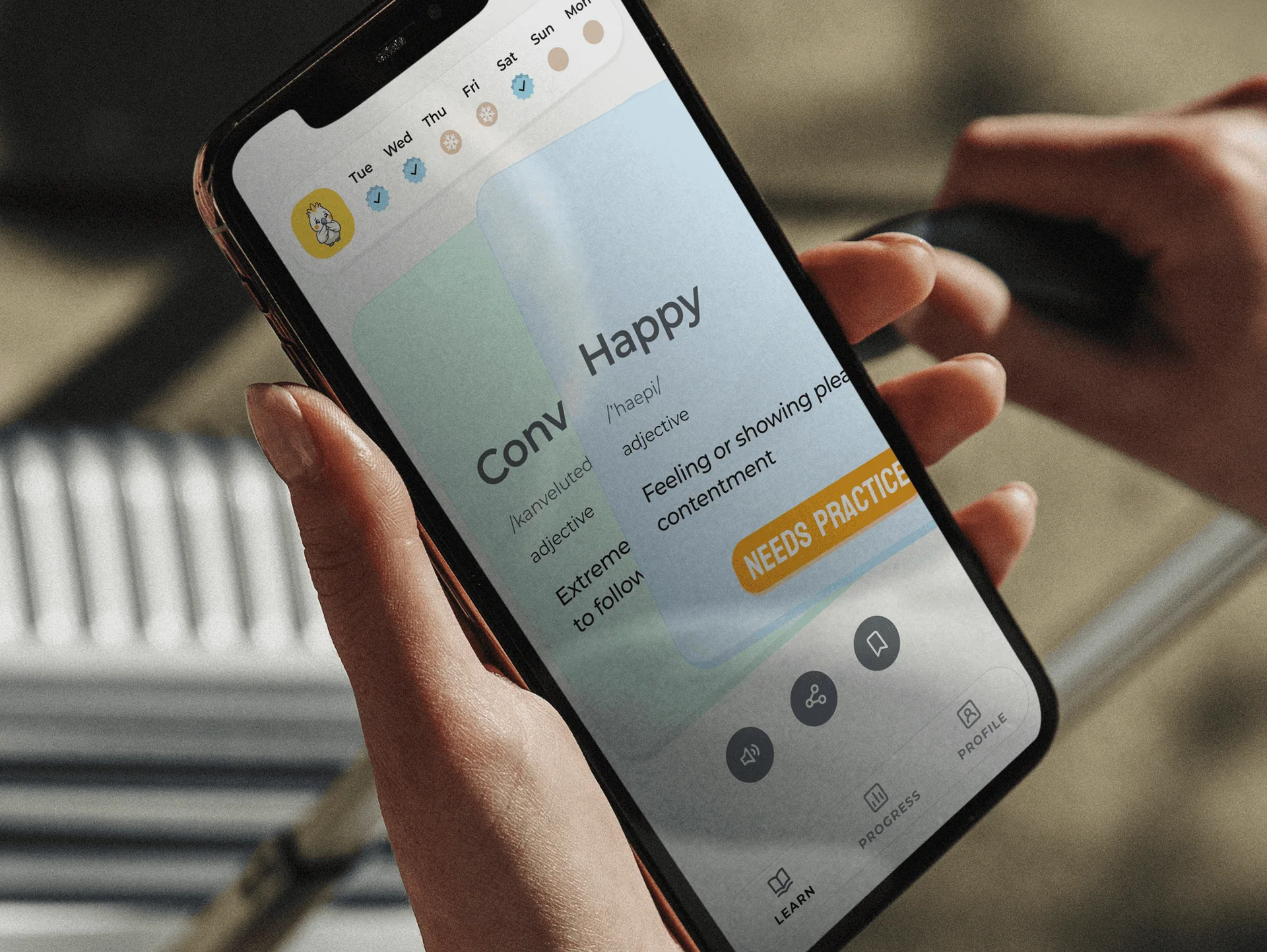
Building a Better Daily Vocabulary Habit
-
New platform - UX/UI
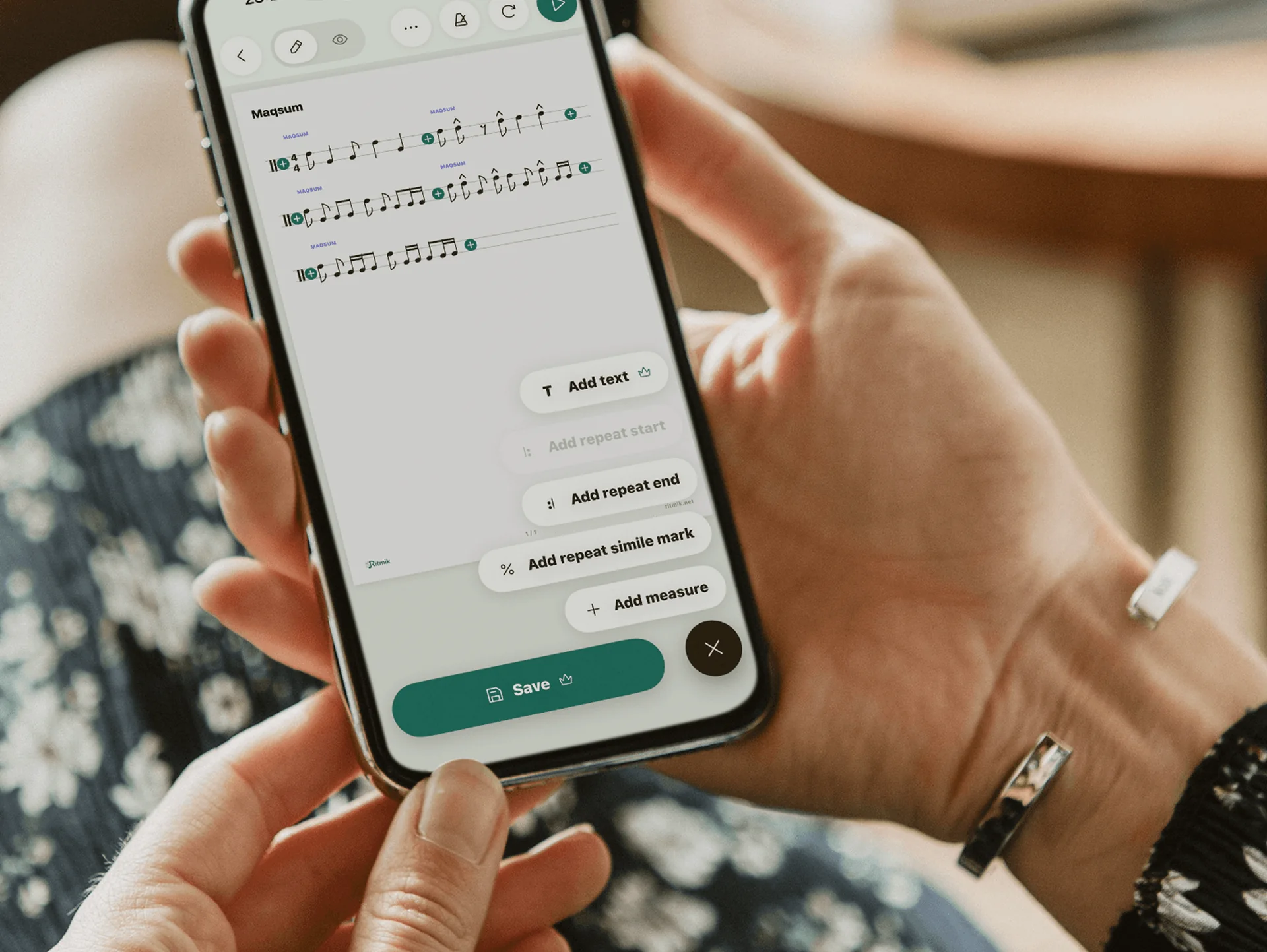
A Smarter Way to Practise and Annotate Sheet Music
Yes. Your educators and learning specialists remain the content authority; we translate the learning model into a clear digital experience.
Potentially, with appropriate research, safeguarding and accessibility input. The approach must reflect the learners’ age and context.
Yes. We can design content management, learner progress, assessment and classroom workflows alongside the learner experience.
Yes. We can use and extend your current system, or document the components required for the redesigned flow.
2 client slots open
Help learners know what to do next.
Show us the learning journey and where progress, feedback or motivation breaks down.