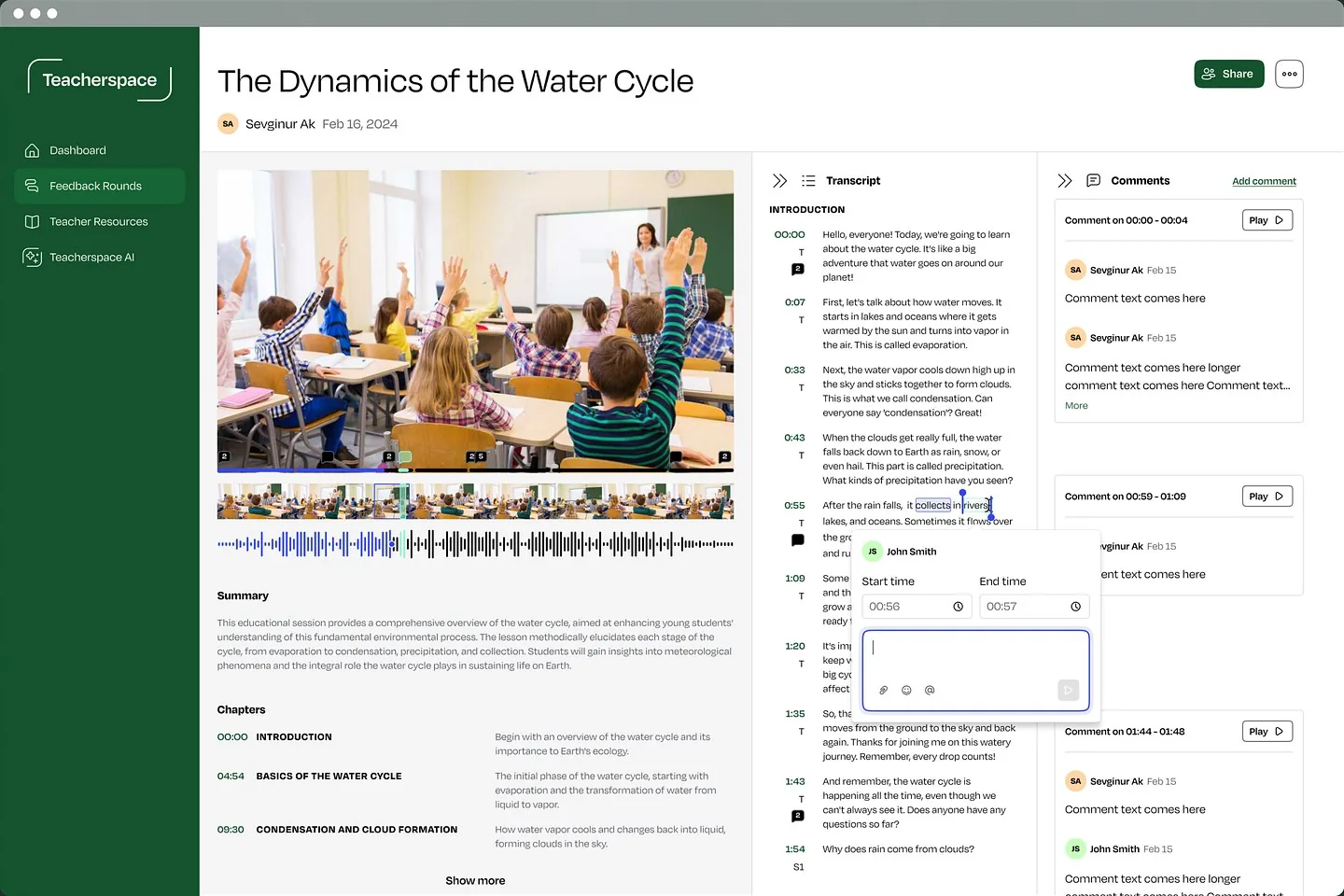
Words are part of the design

Interfaces that say what happens next.

Buttons, errors, onboarding and empty states: we write the words in your product so people understand what to do, what happened and why it matters.

access messageBeforeAfter

Error 403: Forbidden

Access denied. Contact your administrator.

OK

You don’t have access to this project yet

Ask a project admin to invite you, or switch to a workspace you already belong to.

Request accessSwitch workspace
voiceClearCalmHuman
reading levelGrade 12Grade 6

The work

The moments we design

The small pieces of copy that decide whether people feel confident or confused.

Book a call

The problem

Sounds familiar?

If 2 or more of these ring true, the words need the same care as the screens.

{{ countLabel }}

{{ ctaText }}Book a call

Selected work

Selected content work

Client case studiesScreens on Dribbble and Behance

# Replicate Labs / Welcome email
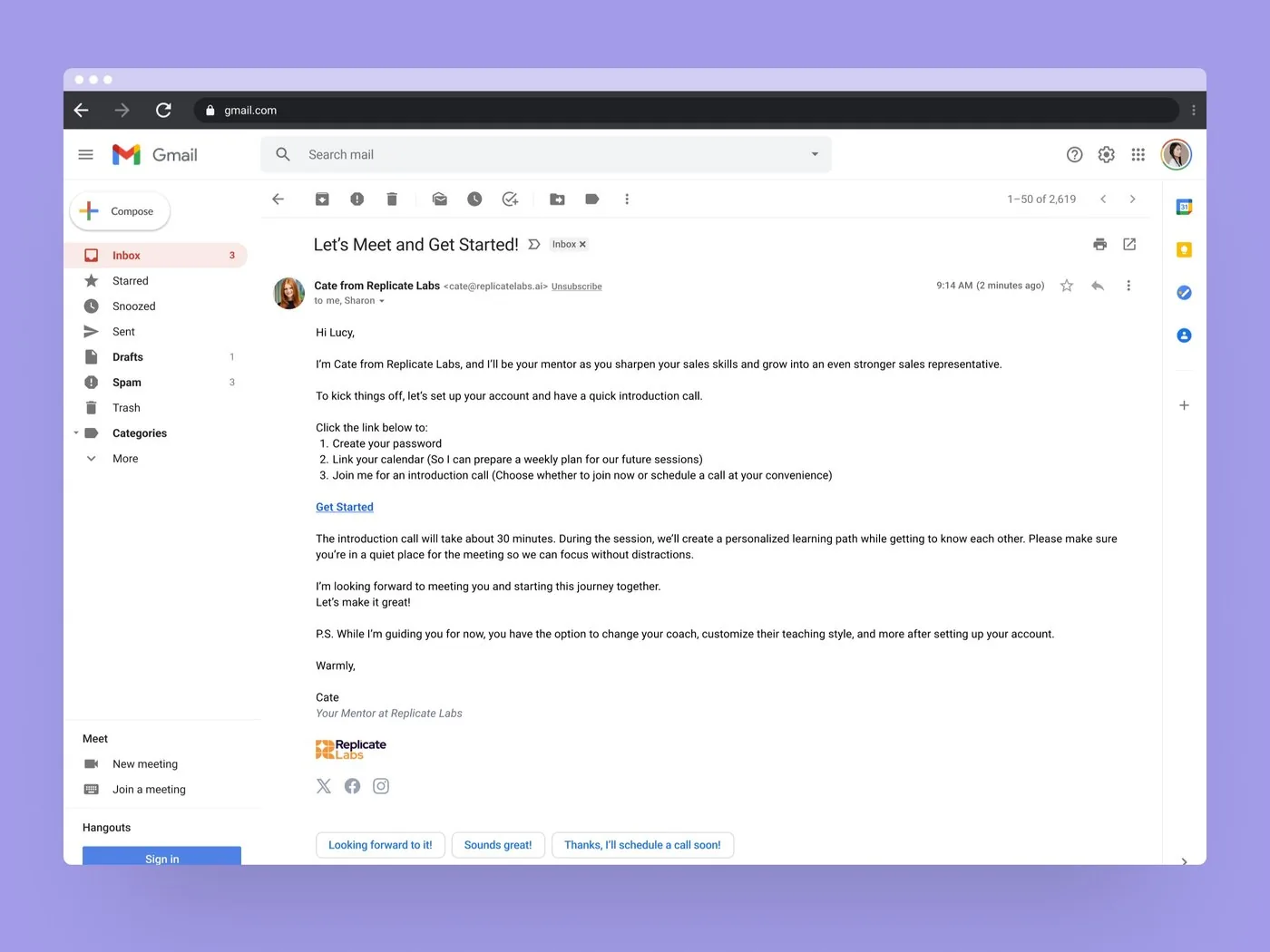
Welcome email from AI coach Cate, inviting a new user to set up their account and book an intro call

Case studyEmail

A welcome that sounds like a coach

A welcome email from the AI coach, inviting new users to set up their account and book an intro call.

Read the case study

# ULookSoGood / iOS

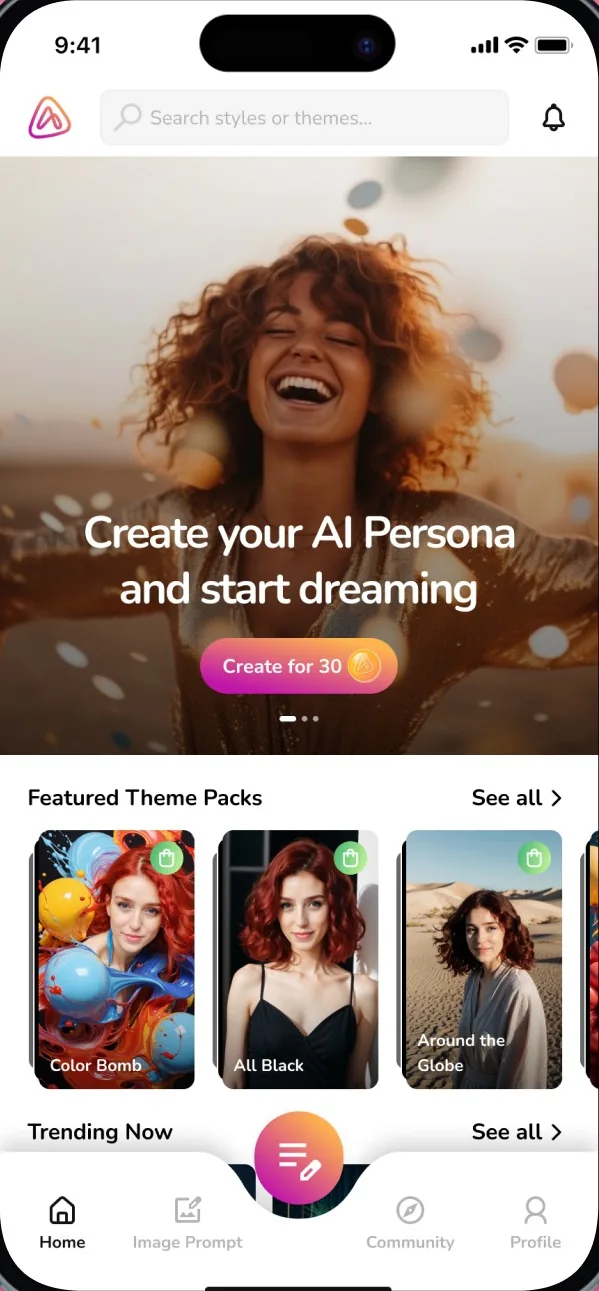
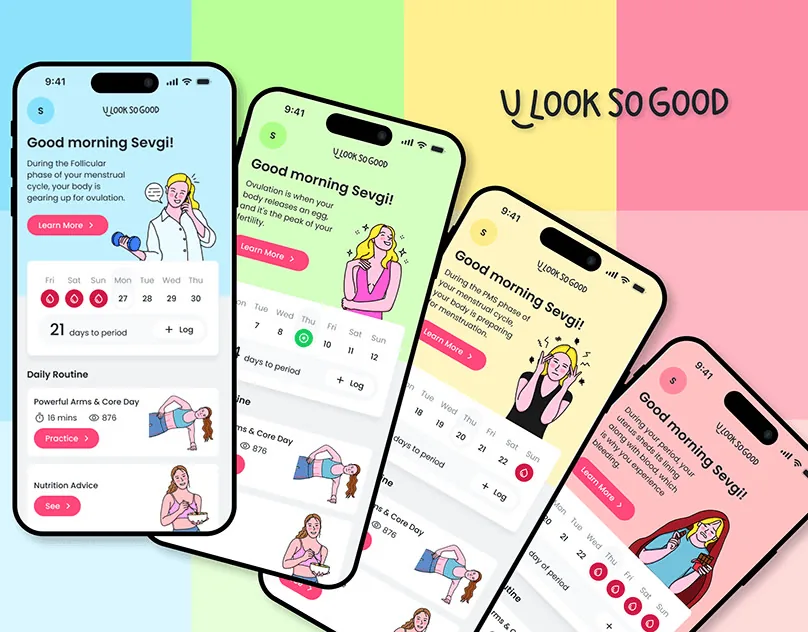
ULookSoGood app home screens in four colour themes

Case studyVoice

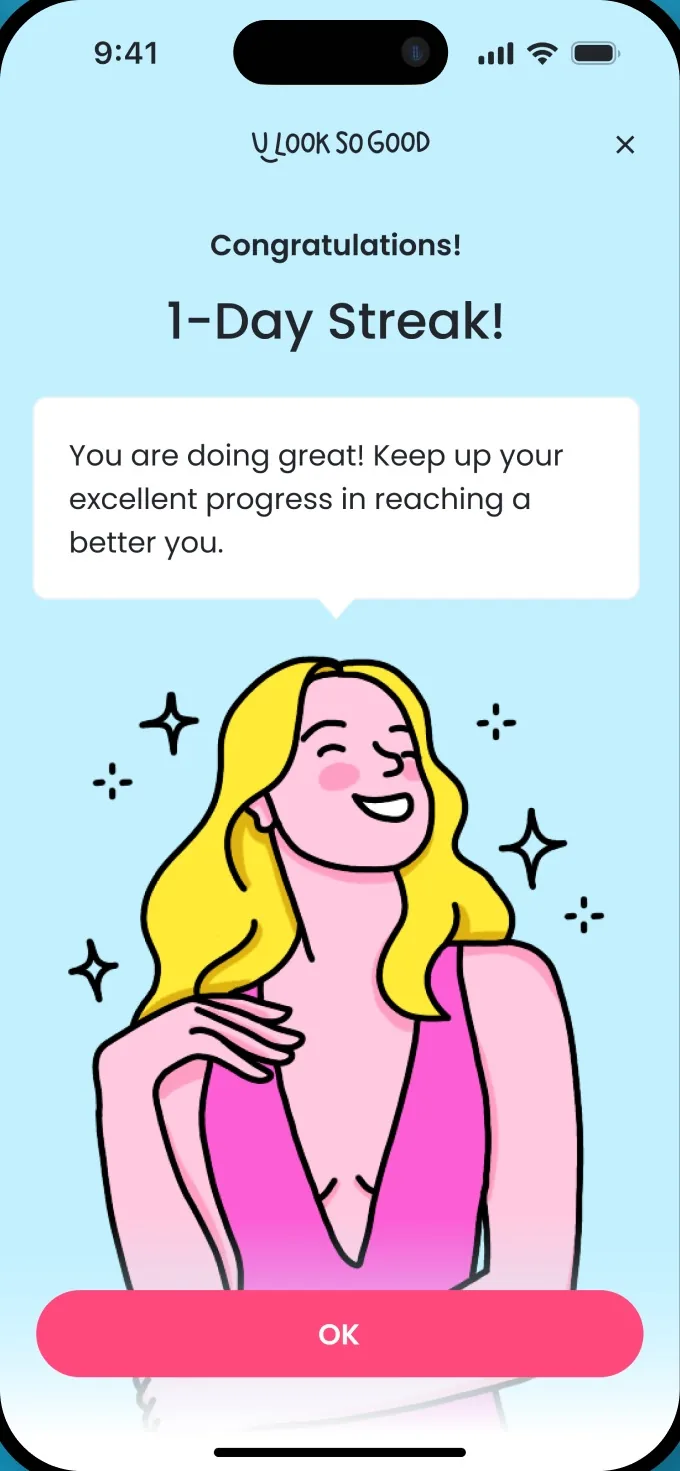
A voice for every phase

A voice that blends science-backed advice with positive reinforcement, turning each phase into an opportunity for self-care.

Read the case study

# Influencer Marketing AI / Transactions

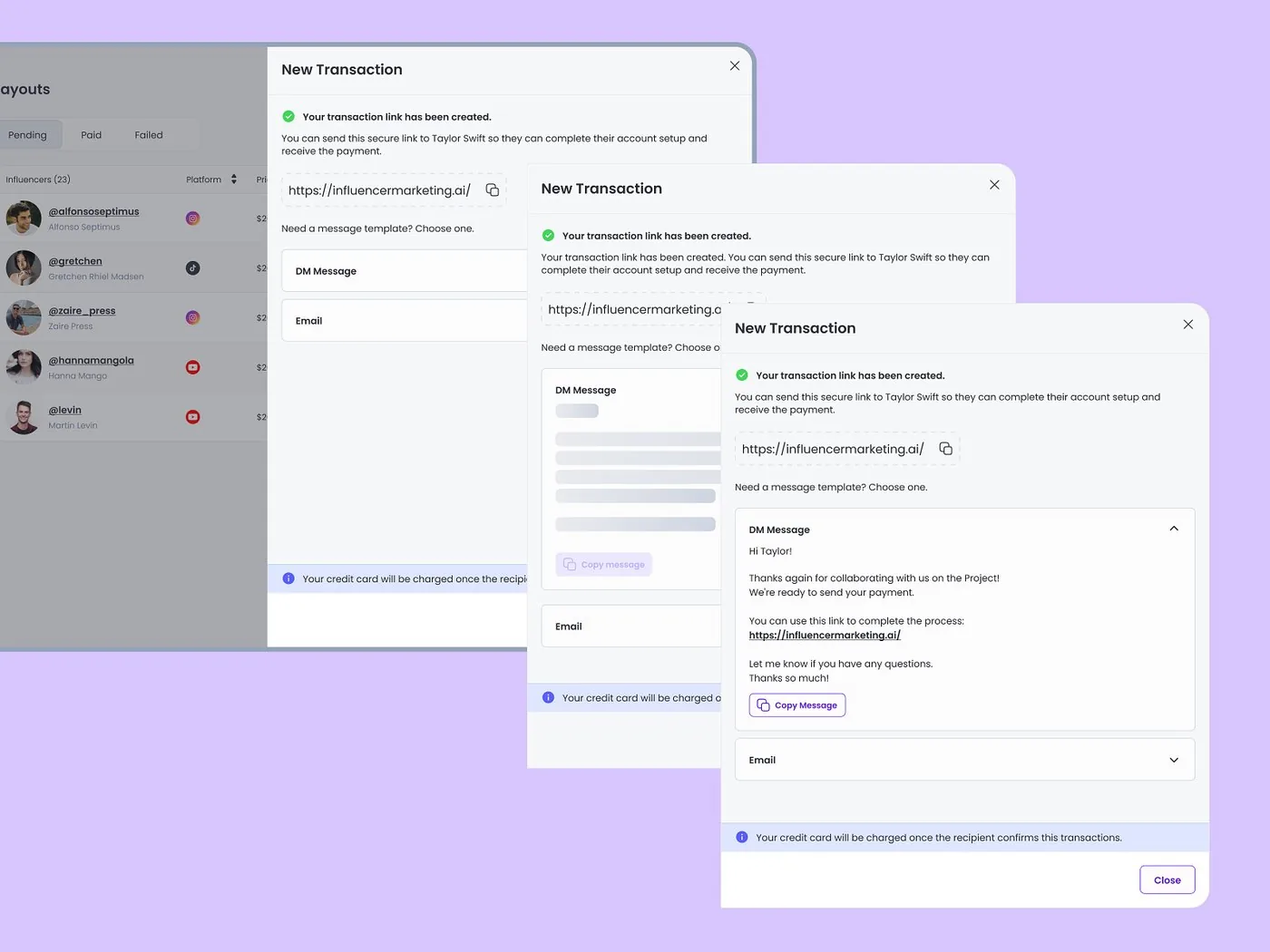
New transaction flow with a confirmation message at each step

ScreensMicrocopy

Confirmation copy people can trust

Each step tells people what was created and what to do next.

View on Dribbble

Proof

“Sevgi transformed U Look So Good from an idea into a product that genuinely connects with women. Her thoughtful approach turned complex concepts into a beautifully simple, emotional experience that defines what our brand stands for today.”

Uğurcan Sevindik · Founder, ulooksogood
Upwork Job Success
100%
Regular clients
10+
Recognized by
Dribbble Select

Ways to start

2 ways to start

Write the words for a new product, or fix the copy in the one you have.

  • # New product

    Write your product copy

    Copy for your key flows, written alongside the design, not after it.

    • Voice and tone guidelines
    • Copy for key flows and states
    • Naming for features and settings
    • Copy in your Figma files
  • # Existing product

    Fix confusing copy

    Find the words that slow people down, then rewrite them.

    • Copy review of key flows
    • Prioritized findings
    • Rewritten errors, empty states and buttons
    • Content guidelines for your team

FAQ

Questions founders ask

Book a call

See all questions

01Do you write marketing copy?

Our focus is the words inside the product: buttons, errors, onboarding, empty states and notifications.

02How long does a project take?

It depends on the scope. Once we’ve seen the full picture, we’ll share a rough timeline.

03Can you work in our brand voice?

Yes. We build on your existing voice, or help define one if you don’t have it written down yet.

04Do you write in other languages?

We write in English, and structure the copy so it’s easy to translate later.

05Can you write prompt starters for our AI features?

Yes. Prompt starters, empty states and answer framing are part of making AI features easier to use.
Related capabilities

Explore all capabilities

UX and UI design

Content, features and navigation organized around how users think.

Complete states

Empty, loading, error and success states, designed before they ship.

AI UX and activation

AI features people understand, trust and come back to.

Mobile app design

iOS and Android apps that are clear, easy to use and ready to build.

Show us the message that confuses your users.

A rough idea is a fine place to start. We’ll get back to you within 24 hours.

Book a call