# Revisual / Sync failed
ScreensErrors
When a sync fails
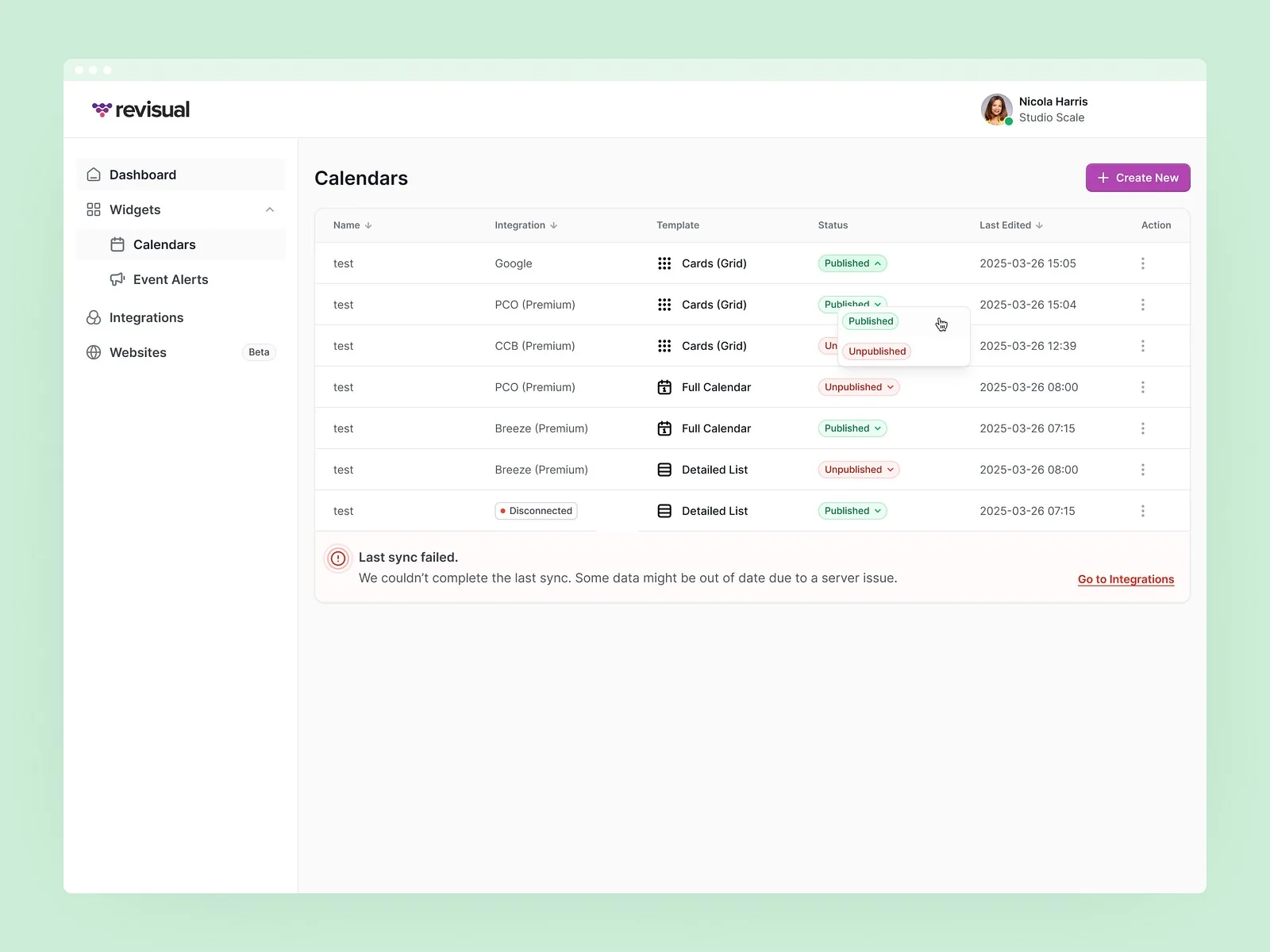
A clear banner when a calendar sync fails, with what it means for the data and where to fix it, plus a status for every calendar.
View on DribbbleThe work
The paths we design so nobody has to improvise them in code.
The problem
If 2 or more of these ring true, the hard paths need designing too.
Tick the ones that sound like you
Selected work
Screens on Dribbble and Behance
# Revisual / Sync failed
ScreensErrors
A clear banner when a calendar sync fails, with what it means for the data and where to fix it, plus a status for every calendar.
View on Dribbble# Influencer Marketing AI / Locked insights
ScreensLimits
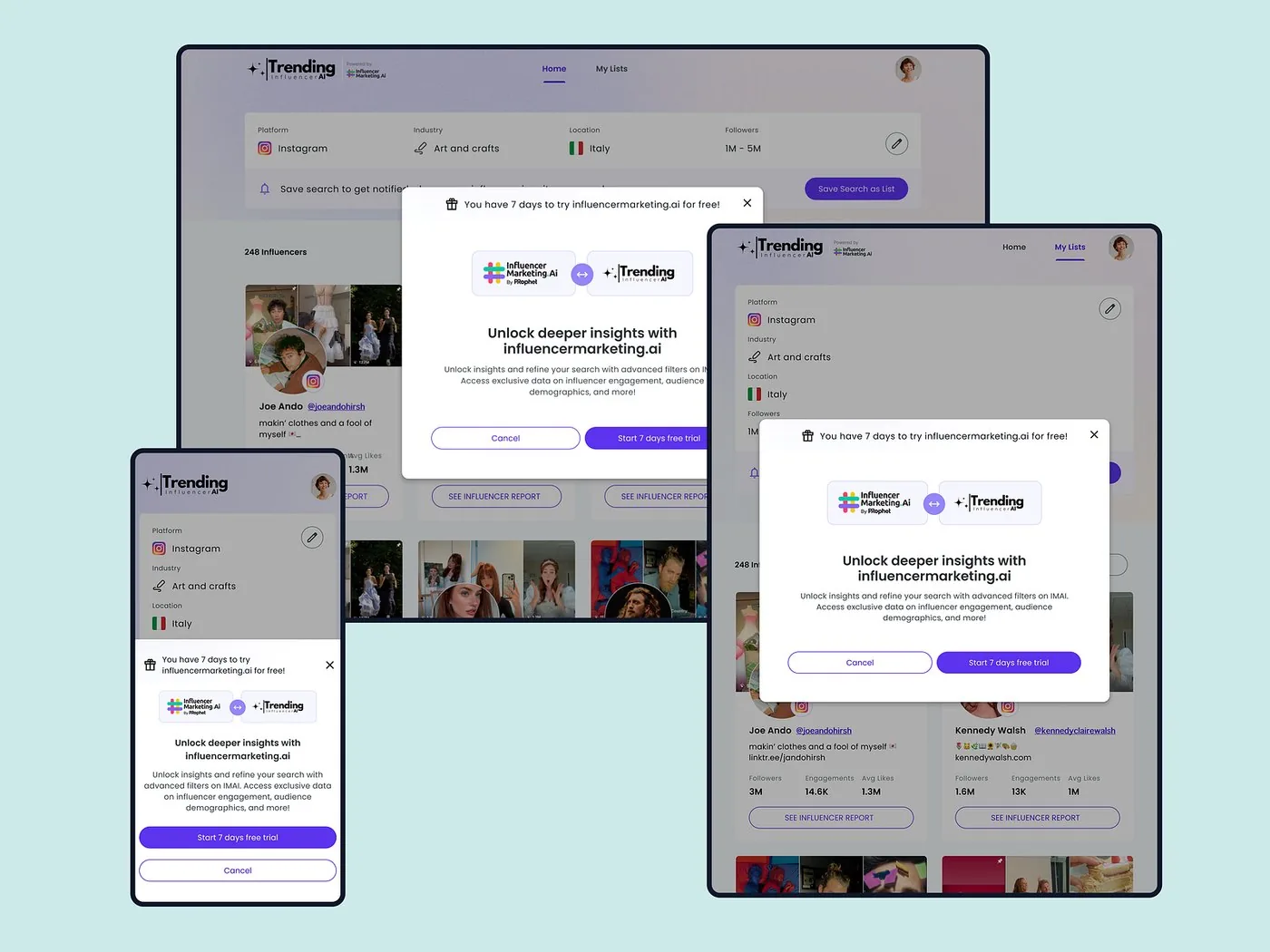
A locked-insights modal that explains what’s behind the limit and how to unlock it, on every screen size.
View on Dribbble# Trending Influencers / Email code
ScreensVerification
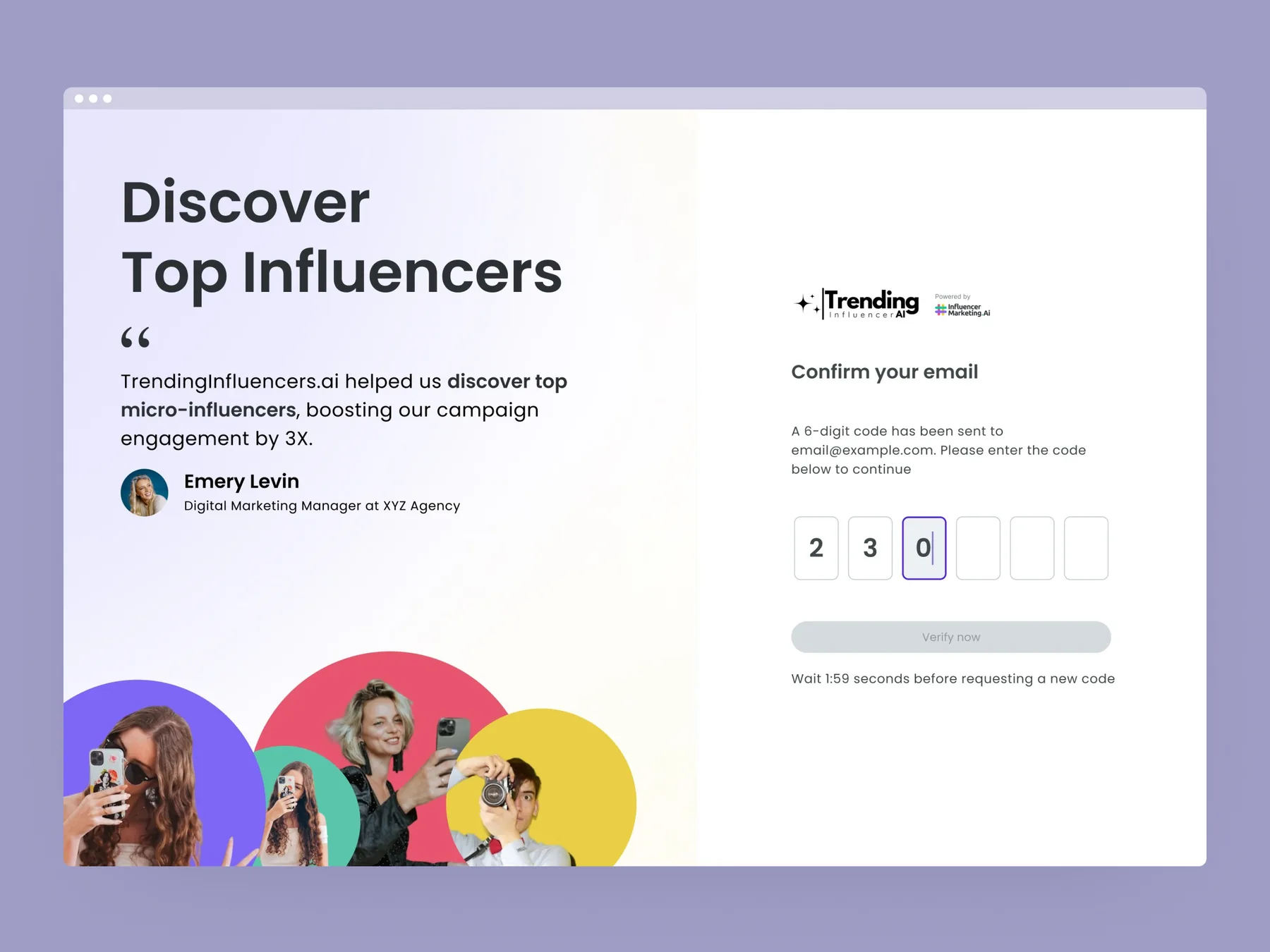
Email confirmation with a 6-digit code and a visible timer before a new code can be requested.
View on Dribbble# Revisual / No events yet
ScreensEmpty data
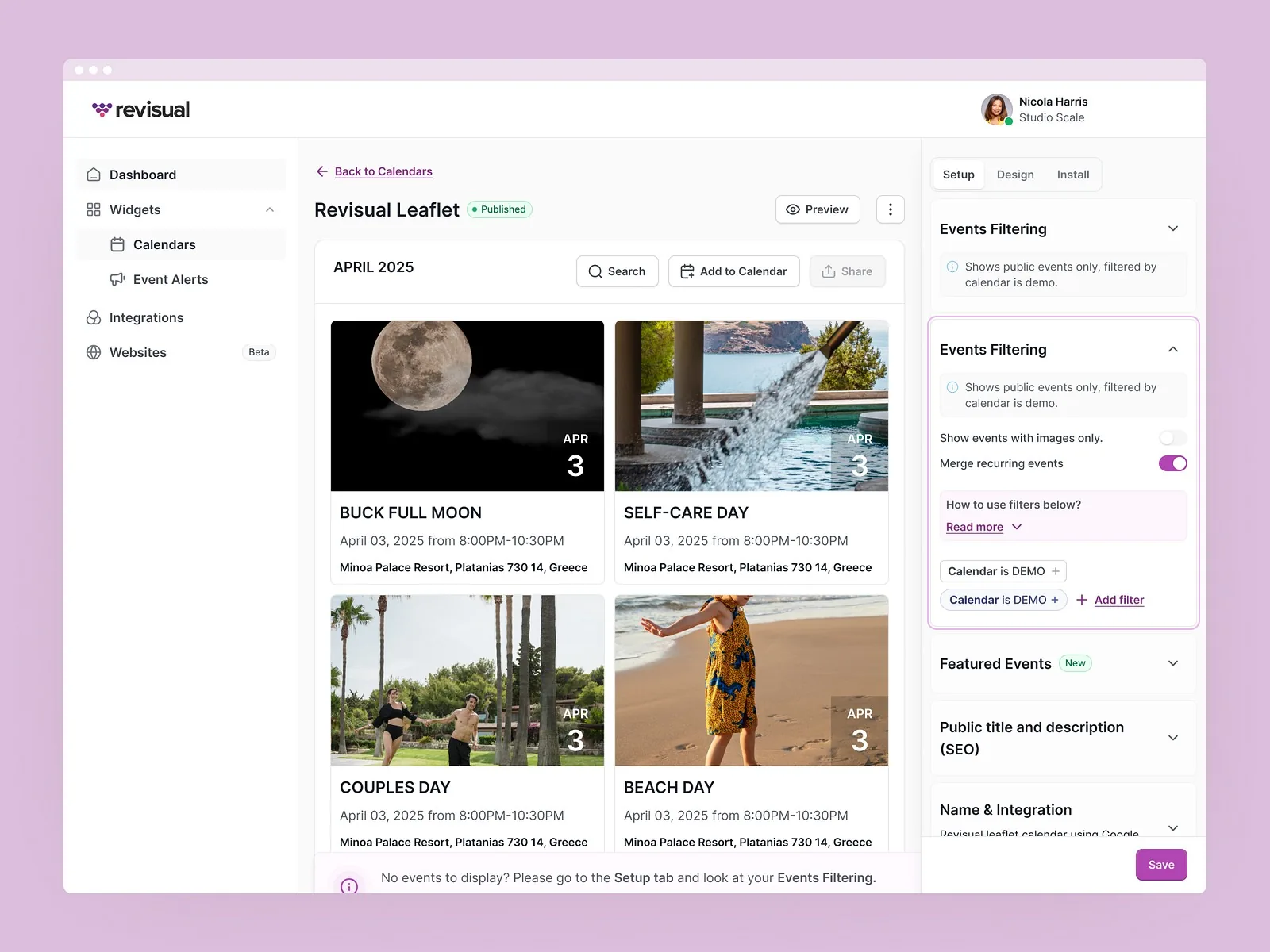
A calendar editor that tells people what to do when no events appear, instead of leaving a blank page.
View on DribbbleProof
“We went hunting for somebody who would care about every tiny detail, every workflow, every edge case, and be able to take a complex and novel idea and convert it to a specific design and plan.”
Ways to start
Plan edge cases before the build, or fix the ones you’ve found.
# Before the build
Permissions, errors and interrupted tasks, designed before development.
# Live product
Find the paths nobody designed, then design them properly.
Permissions and roles, empty states, errors, interrupted tasks, offline, expired sessions, limits and anything specific to your product.
It depends on the scope. Once we’ve seen the full picture, we’ll share a rough timeline.
Yes. Every error gets a clear message and a way to recover.
Yes. Engineers are welcome early, and they often know edge cases we should plan for.
Complete states cover how each screen looks in every state. Edge-case flows cover the paths between screens when things go wrong.
2 client slots open
A rough idea is a fine place to start. We’ll get back to you within 24 hours.